Allocations and distributions: automate cost allocation
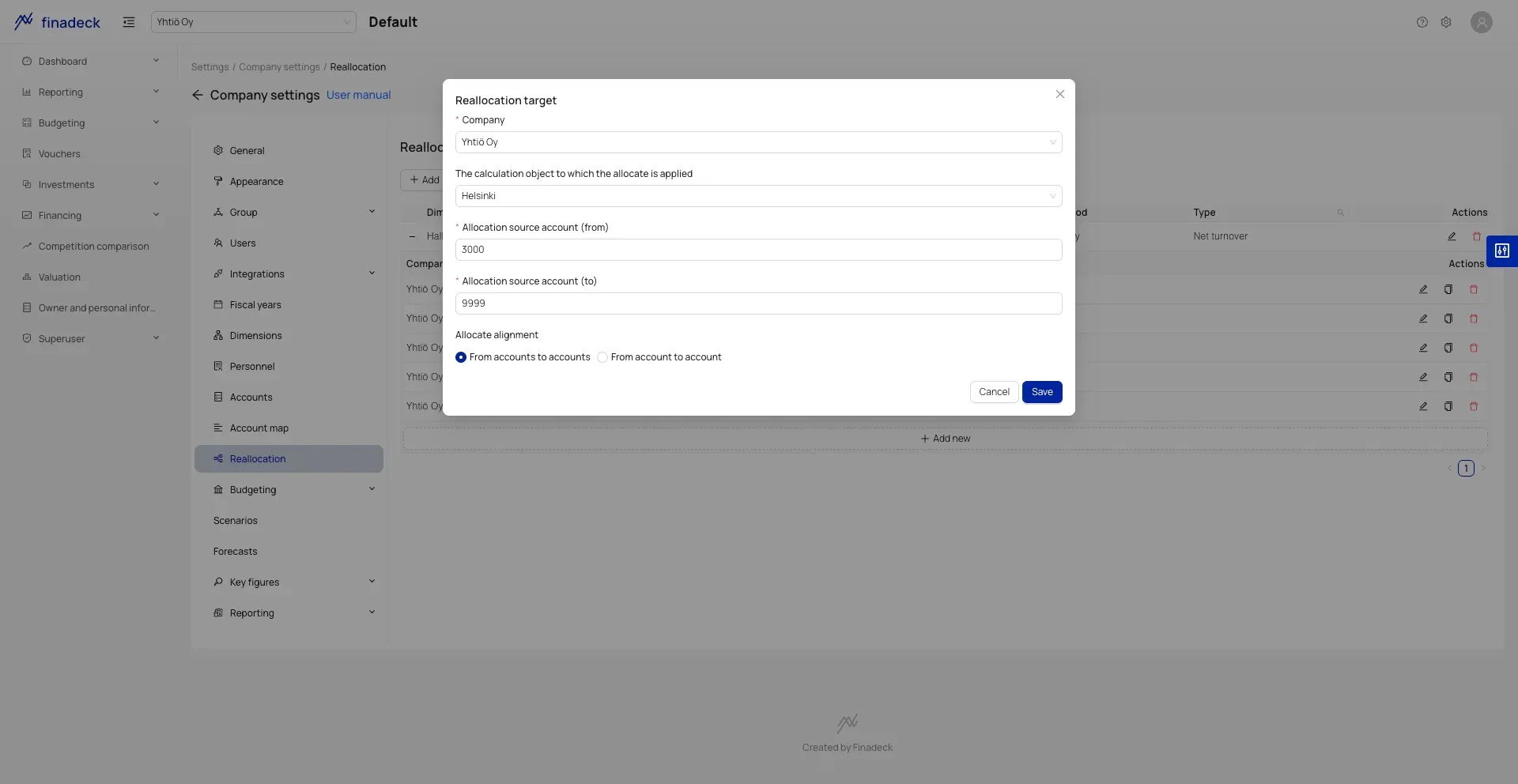
Allocations mean distributing costs or revenues to multiple objects, such as projects, departments, or products. For example, administrative costs can be allocated to all projects based on their revenue.
Save time, reduce errors, and focus on what matters.
Allocation rules that work every month
Define allocation rule
Choose which costs or revenues to allocate and to which objects
Set allocation basis
Use percentages, revenue, or custom formulas as allocation basis
Automation handles the rest
Allocations are done automatically every month without manual work
Flexible allocation options
Percentage-based allocations
Distribute costs with fixed percentage shares to different objects
Formula-based distributions
Use calculation formulas for dynamic distributions
Revenue-based
Allocate costs automatically in proportion to revenue
Multi-stage distributions
Distribute costs through multiple levels to the right objects
Why automate allocations?
- 1
Save time
Automated allocation saves hours every month compared to manual work
- 2
Reduce errors
Automatic rules eliminate human errors from calculations
- 3
Updates in real-time
Allocations update automatically when source data changes